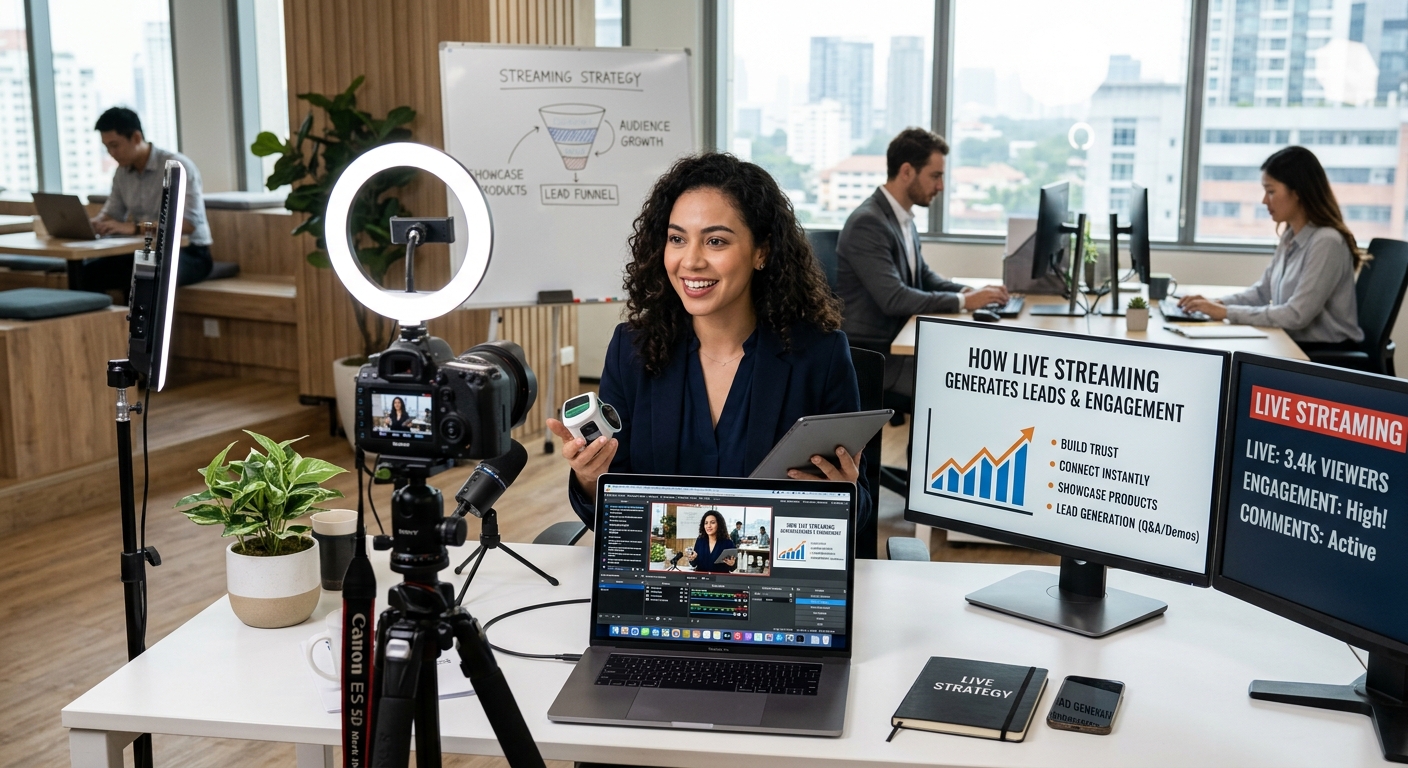
How Can Live Streaming Help Businesses Generate More Engagement and Leads
Live streaming has moved beyond entertainment and become a useful marketing tool for businesses. Companies now use live video for webinars, product demonstrations, conferences, interviews, training sessions, Q&As and virtual events.
However, switching on a camera and going live is not enough. Effective live streaming for business needs planning before the broadcast, audience interaction during the session and follow-up afterwards.
When these stages work together, live video can help businesses reach wider audiences, build trust and generate new leads.
What Is Live Stream Marketing?
Live stream marketing means using real-time video as part of a wider marketing campaign. Unlike pre-recorded videos, live broadcasts allow viewers to participate while the content is happening.
Viewers can ask questions, comment, respond to polls and interact with presenters. This makes live video useful for businesses that need to explain services, demonstrate products or have direct conversations with their audience.
The aim should not simply be to attract as many viewers as possible. Reaching the right audience and creating useful interaction is often more valuable.
Which Businesses Can Benefit From Live Streaming?
Live video can be used across different industries and business types.
Technology companies can demonstrate products, professional service businesses can host expert Q&As, training providers can run webinars and property companies can provide virtual tours. B2B businesses can also use live panels and interviews to discuss industry topics.
Smaller businesses can use live video too. A professional broadcast does not necessarily require a large production team. The content, presentation and audience need to be considered first.
How Should You Plan a Business Live Stream?
Start with a clear purpose. Decide what the audience should learn and what you want them to do afterwards.
Consider:
- Who is the target audience?
- What problem will the session address?
- Why should people attend?
- What action should viewers take afterwards?
- How will you measure the results?
A typical session could include an introduction, main presentation, demonstration, audience questions, key takeaways and a call to action.
Having a structure helps keep the broadcast focused without making it feel overly scripted.
How Can You Promote a Live Stream Beforehand?
Promotion should begin before the broadcast. Give people enough information to understand why the session is worth attending.
Depending on the audience, promotion can include:
- LinkedIn posts
- Email marketing
- Website content
- Social media
- PPC advertising
- Blog articles
- Website banners
- Remarketing
Avoid repeatedly posting the same registration message. Instead, focus on the problem or benefit behind the session.
For example, rather than simply promoting a digital marketing webinar, explain that attendees will learn why their PPC campaigns may be generating clicks without enough enquiries.
This gives potential viewers a clearer reason to register.
Should You Ask People to Register?
That depends on the purpose of the broadcast. Public streams can make it easier for people to join and can support wider reach.
Registration-based webinars can provide useful information for follow-up and lead generation.
If registration is required, keep the form simple. Depending on the campaign, you may only need:
- Name
- Email address
- Company
- Job role
Make sure the registration page clearly explains what attendees will receive and when the session will take place.
How Can You Keep Viewers Engaged?
A long presentation with no interaction can quickly lose viewers. Build opportunities for participation into the session.
You can ask questions, respond to comments, run polls, invite audience examples or bring guests into the discussion.
Live demonstrations can also keep people watching because viewers can see the subject being discussed rather than simply hearing about it.
It can also help to tell viewers what is coming later in the session. Giving them a reason to stay can support a stronger audience engagement strategy.
What Should the Call to Action Be?
Every business live stream should have a clear next step.
Depending on the objective, you might ask viewers to:
- Book a consultation
- Request a quote
- Download a guide
- Visit a service page
- Join your email list
- Register for another event
- Watch related content
The call to action should relate directly to the subject of the broadcast. If you have spent the session answering a specific business problem, the next step should provide a natural way for the viewer to continue.
Can Live Streaming Support SEO and Content Marketing?
The broadcast does not have to disappear once the session ends. A single live stream can become several pieces of content.
For example, a 45-minute webinar could produce:
- A full video
- Short video clips
- A blog article
- FAQs
- LinkedIn posts
- Email content
- Website resources
Questions asked during the session can also provide ideas for future articles and content.
This makes live video a useful part of a wider video marketing strategy and content marketing for events, rather than a one-time activity.
How Can Businesses Repurpose Live Video?
Think about repurposing before the broadcast takes place. Identify sections that could work as individual clips and ask speakers questions that can produce useful short answers.
After the event, divide the recording into specific topics.
For example, a webinar about improving Google rankings could produce separate clips about keyword research, local SEO, website speed, backlinks and content optimisation.
These shorter pieces can then be used across social media, websites and email campaigns.
Which Metrics Should You Track?
Viewer numbers provide useful information, but they should not be the only measurement.
Businesses can also track:
- Registrations
- Live attendance
- Average viewing time
- Comments and questions
- Landing-page visits
- Downloads
- Email sign-ups
- Consultation requests
- Qualified leads
- Conversions
A smaller audience made up of relevant potential customers may provide more commercial value than a large audience with little connection to your business.
Can Live Streaming Support Virtual and Hybrid Events?
Live streaming can extend physical events to people who cannot attend in person. This makes it useful for conferences, workshops, product launches, panels and exhibitions.
For virtual events UK businesses are organising, digital audiences should still have ways to participate. Questions, polls, live chat and downloadable resources can help create a more interactive experience.
Hybrid events can combine physical attendance with online participation, allowing businesses to reach people in different locations.
What Technical Issues Should You Check?
Good content can be affected by poor technical quality. Before broadcasting, test your internet connection, microphones, cameras, lighting, presentations and screen sharing.
Have backup options available where possible.
Audio deserves particular attention. Viewers may accept an imperfect camera image, but unclear or interrupted sound can make a session difficult to follow.
How Can Zak Solutions Support Live Streaming Campaigns?
Live streaming for business works best when it connects with the rest of your digital marketing activity.
Zak Solutions can support businesses through social media marketing, SEO and content marketing, PPC advertising, website development and digital marketing strategy.
A live stream can begin as a webinar, event or product session, then continue as social content, website resources, email campaigns and lead-generation activity.
The broadcast is only one part of the process. The real value comes from how you promote it, engage your audience and use the content afterwards.